AI & Automation
Webflow MCP 2.0: game changing release
In April the Webflow MCP couldn't duplicate a carousel slide. 2.0 fixed that and moved almost everything off the Designer. Here's what it does, and the one gap you have to build yourself.

Veronica Picciafuoco
Founder, Eldur Studio
- Published
- Reading time
- 4 min read
“The dream of never opening the Webflow Designer again just got real”
The Webflow MCP
In April I tried to get Claude to add one testimonial to a Webflow carousel. Thirty minutes later I was lost in Div Block 83, the slide still had not duplicated, and I wrote it up plainly: Claude can't be your Webflow dev yet.
That verdict was right about the version that existed in April. It read the element tree and edited text, structural work was out of reach, and the canvas was the bottleneck. MCP 2.0 has shipped since, and the specific wall I hit is gone. So here is the retest, and the results are quite astonishing.

What actually changed
The headline framing is a split between a headless content API and a visual Designer API. Webflow defines it as a “big upgrade” and I don’t think they’re overstating.
Most of the server runs through the Data API, and that now includes creating and editing elements, components, styles, and variables. Not just content. It also covers CMS collections and items, pages with their SEO and Open Graph metadata, assets, fonts, locales, registered custom code scripts, and site analytics.
None of that needs a browser tab open. Building a section, creating a class, or wiring a variable is no longer gated behind a live Designer session, which is exactly the thing that made the April version a party trick.
The tools are also grouped into task families rather than one per endpoint: CMS, pages, sites, components, element settings. The 2.0.1 maintenance release pulled element settings, component props, and component variants out of two overloaded tools into focused ones. Small change, and it noticeably improves how often the agent reaches for the right tool.
Agent Instructions are the part I didn't expect
Agent Instructions are markdown rules and skills stored on the site itself. The MCP server hands them to any connected agent automatically. They are not the skills you install in your own client, and they do not live on one person's laptop.
They can reference Webflow primitives directly: variables, styles, components, pages, CMS collections and items, locales. Those references resolve server-side against the site's current data, so the guidance describes the site as it is today rather than whenever someone wrote the doc. Shared Libraries can push instructions across a workspace, so a design system travels with its own operating manual.
This fixes the thing that actually breaks agent work on client sites. An agent rarely fails for lack of tools. It fails because it does not know this site calls the wrapper section-wrap, or that the pricing cards are one component with three variants. That is memory, in the sense that matters, and it finally has a home.
What it still doesn't do
There is no built-in approval gate. Nothing in the server stages a change and waits for a human before it reaches your live site.
What you do get:
Your permissions, enforced. An agent can do what you can do in the Designer, and nothing more, including custom roles.
An audit trail. Agent changes are recorded in the site's activity log, which matters when you hand access to an outside agent.
OAuth, remotely. The server runs at
mcp.webflow.com/mcp, so you are not scattering API keys across machines.Branches. You can work off production (with Enterprise)
Scope the access, work on a branch (or just push to staging and build the approval step yourself).
Where this lands for Webflow users
If you run your own Webflow site with no developer on staff, the practical shifts are narrow and real:
Bulk work goes headless. CMS updates, metadata sweeps, alt text, and redirects run on a schedule with no canvas time.
Scripts become legible. You can finally inventory the analytics tag someone pasted in two years ago.
Visual work is available, with a caveat. Elements and styles no longer need the browser, but open the Bridge App when you want the agent to check its own work (or open a browser and give it computer access).
Site conventions get written once. Naming and structure belong in Agent Instructions, not in every prompt.
Still needing a human: responsive refactors, interaction design, and CMS architecture — the kind of call behind Scalapay's move to a headless CMS. The gap between AI-assisted and AI-viable narrowed substantially.
I still wouldn’t play with the prompt example given by Webflow’s blog:
Please update my Webflow site. Initially I liked the bright and strong colors, but it's too much now. Please check the design system and propose different color palettes. Offer me a way to preview the alternatives.
What we built on top of it
This is the groundwork for what Eldur Studio is launching next: Watchtower is a website maintenance AI agent for founders and small teams with no site person on staff. It watches the site, fixes issues weekly, and handles two custom change requests a month from a plain-English email. There are a few things, but we’ve been quietly testing this and it’s surprisingly good at making design changes, fixing custom code, and cleaning up classes and components.
I am running a short list of free site audits before launch. Request a free audit at webflow.eldur.studio to see if you qualify.
— Veronica
- Webflow/No-Code
- AI Agents
- Automation
Keep reading
More field notes
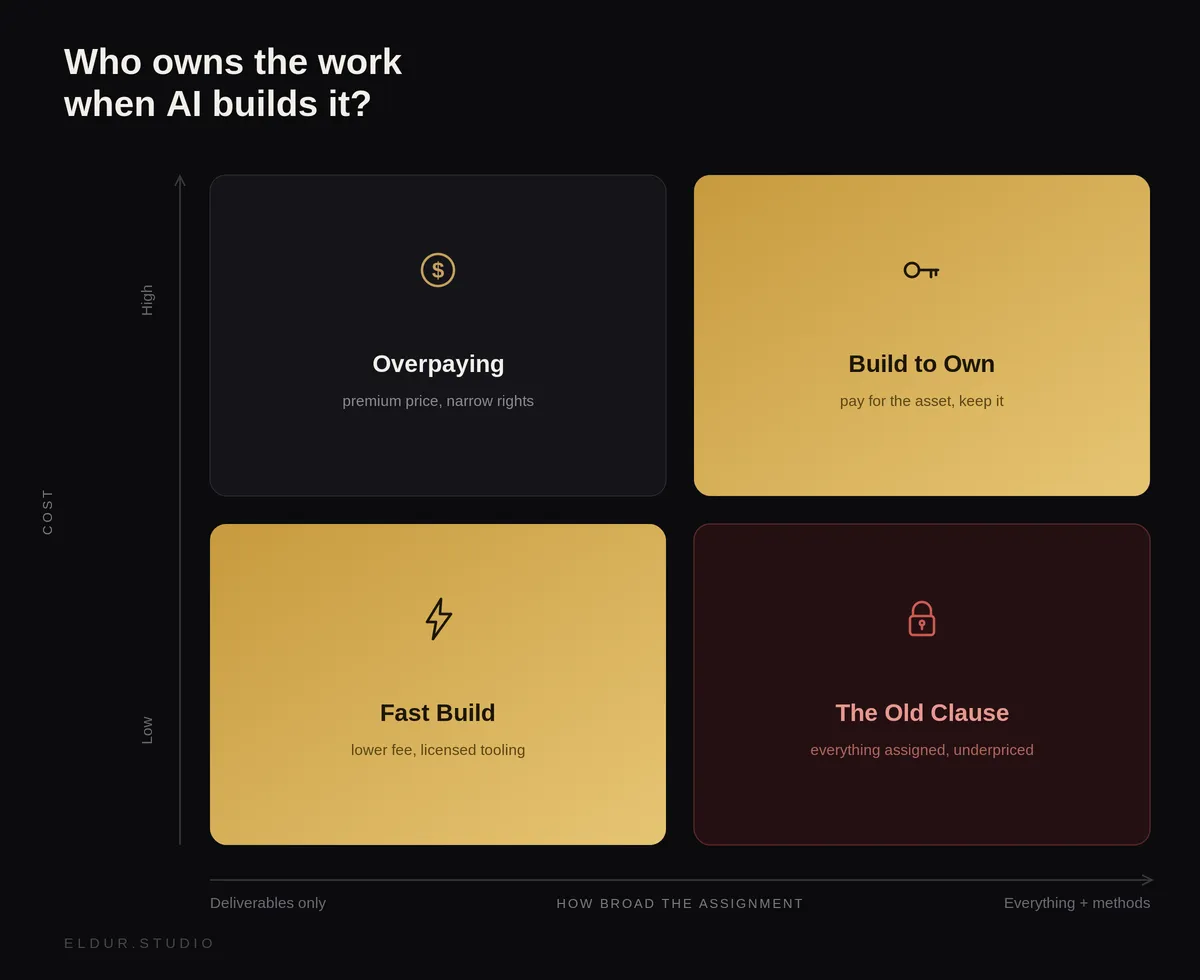 AI & AutomationWho Owns AI-Generated Code? A practical take for outsourcing AI-enabled developmentYou paid for the build, but do you own it? How AI changed IP in dev contracts, split into three buckets, and the two ways we handle it at Eldur Studio.5 min
 AI & AutomationThe Core Anatomy of an AI AgentStrip away the frameworks and every AI agent comes down to three parts: a brain, memory, and tools. Here's how they fit together, where they break, and how to design them for work you can actually trust.7 min
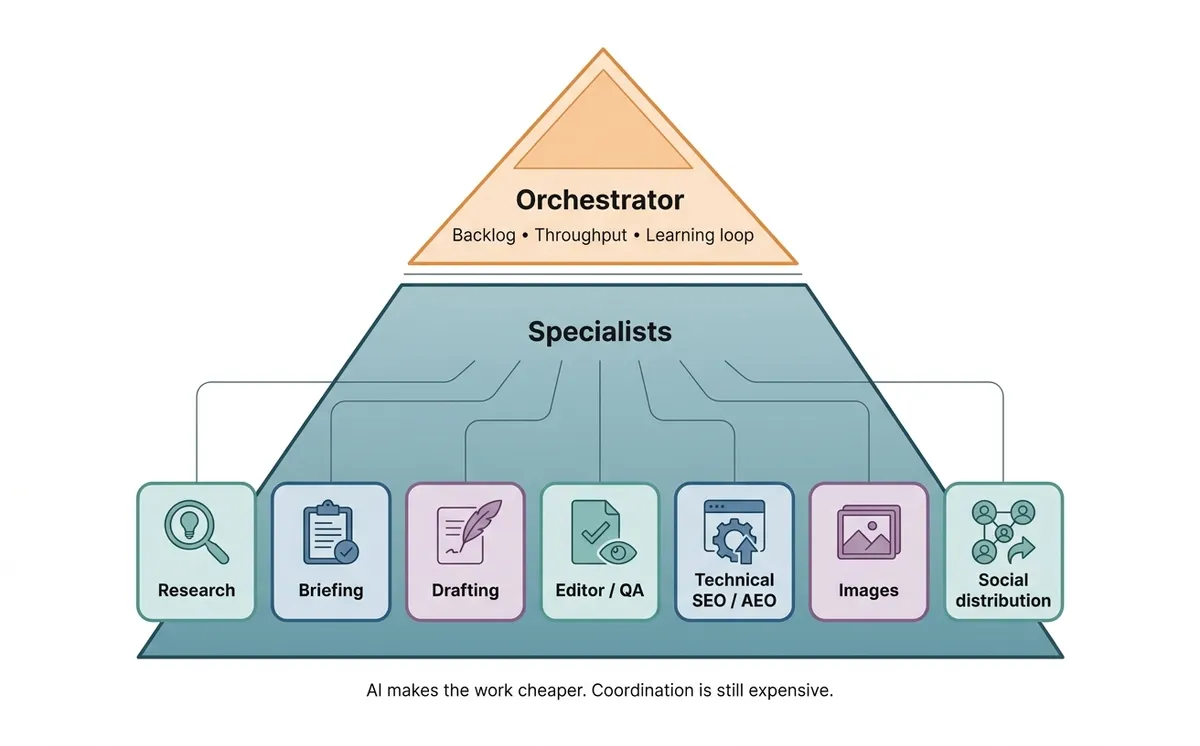 AI & AutomationThe Multi-Agent Marketing Pyramid: Orchestrator + SpecialistsA pragmatic architecture for agentic marketing: one orchestrator coordinating specialized agents (research, writing, QA, images, SEO, distribution) with a weekly feedback loop.3 min
Next step
Ready to build AI workflows for your team?
Most teams start with a First Agent, so you see real output before committing to a bigger system.
